

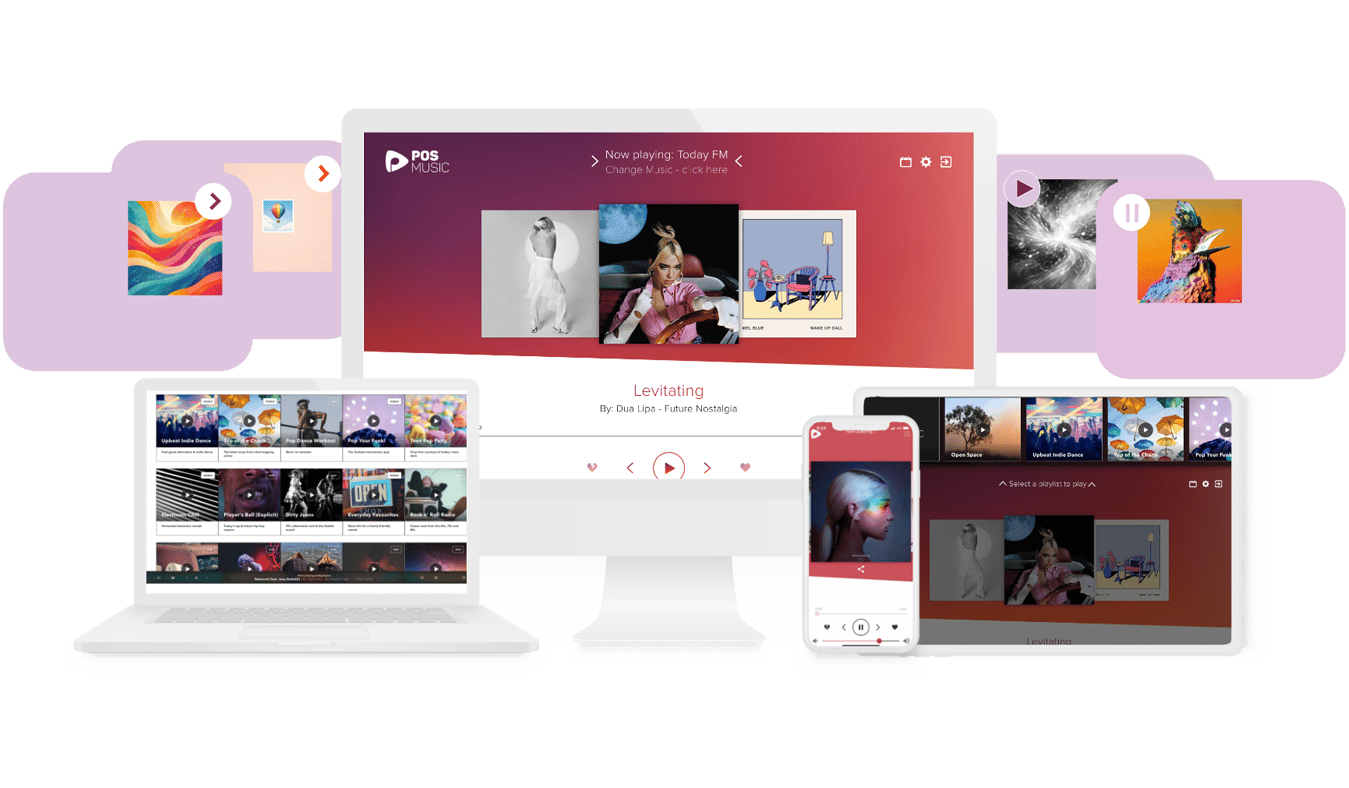

Browse perfectly curated ready-made playlists
Browse over 70 professionally curated readymade playlists for every mood and setting. Enjoy daily music updates, zero offensive content or repeats.
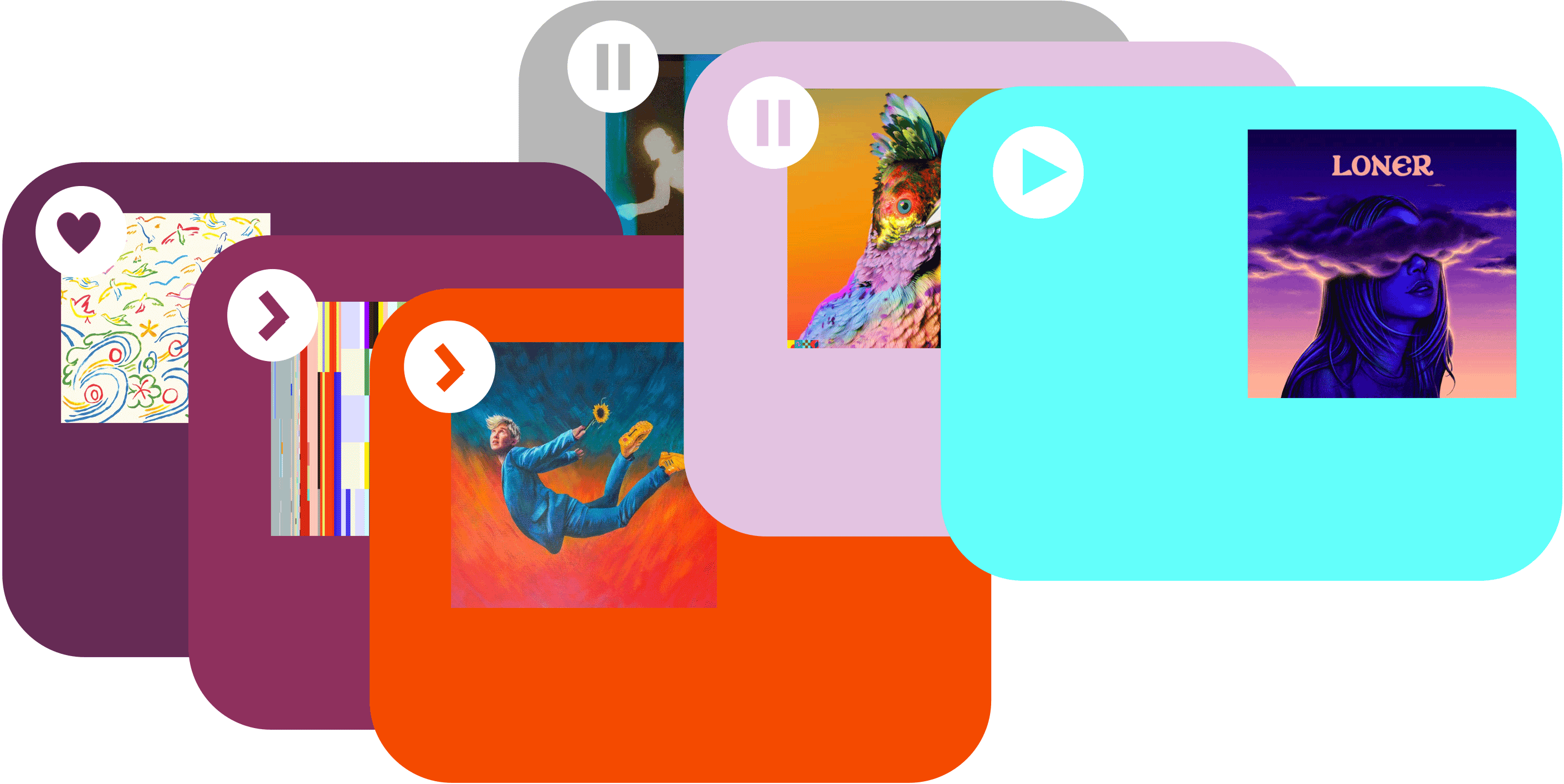

Simply play readymade background music
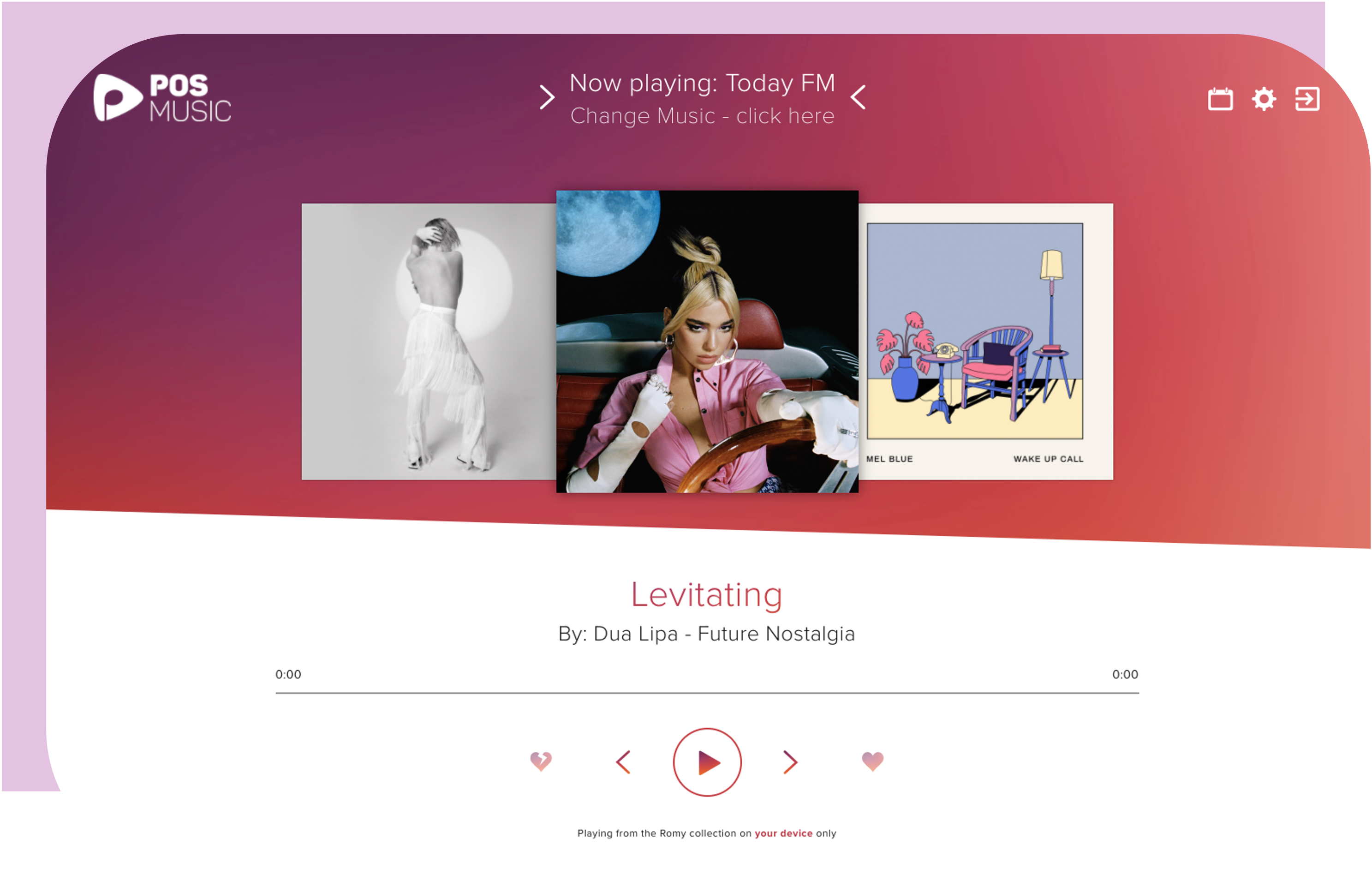
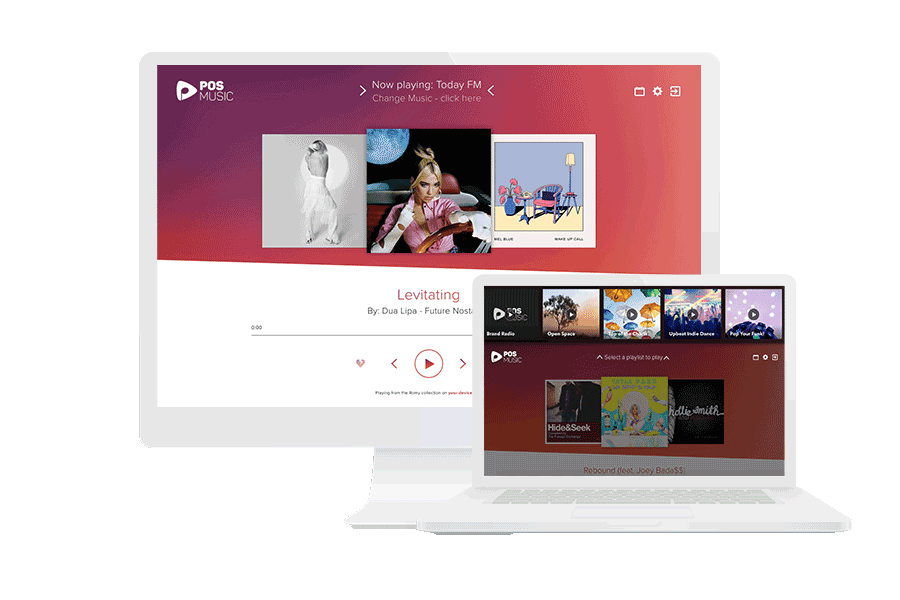
Simply control the background music via your personalised POSmusic dashboard. Select playlists or skip tracks using a simple control panel. 'Like' or 'dislike' music to help the algorithm improve your background music mix.
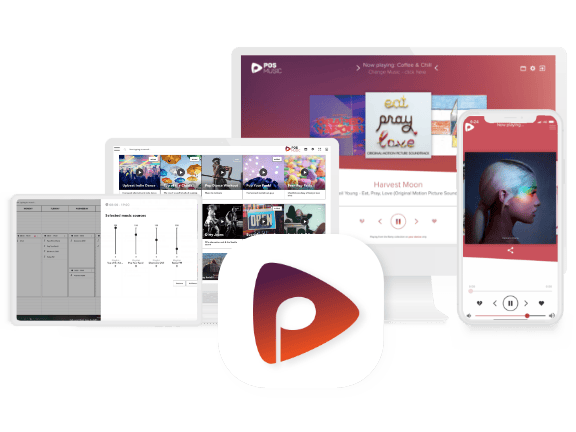
Simply control music across web and mobile
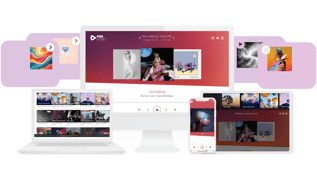
Manage music in-store through the POSmusic (iOS/Android) app, available via web browser and mobile. Use the web app on desktop, laptop or point-of-sale or the mobile app to make quick updates when needed.
Compatible with ALL speakers, amps & docks
POSmusic is hardware-agnostic by design. Simply connect to your existing sound system or stream POSplay through any Sonos or Bluetooth speaker range.
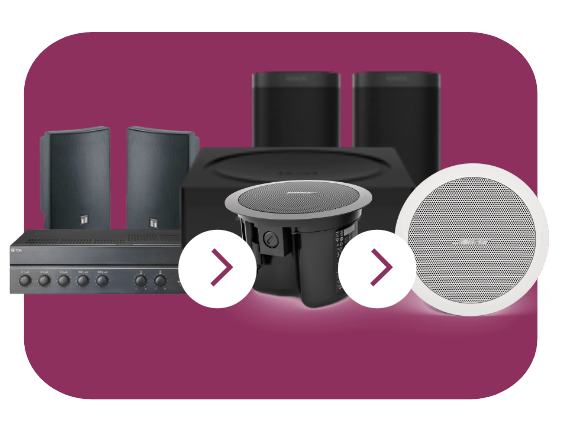
Enjoy simple setup & install in under 5 mins.
No new equipment or tech knowledge needed
Step 1.
Sign-up to POSmusic online for instant access to music.
Step 2.
Log in to your account on any device.
Control your background music from anywhere on any internet-connected desktop, laptop, tablet and smartphone.

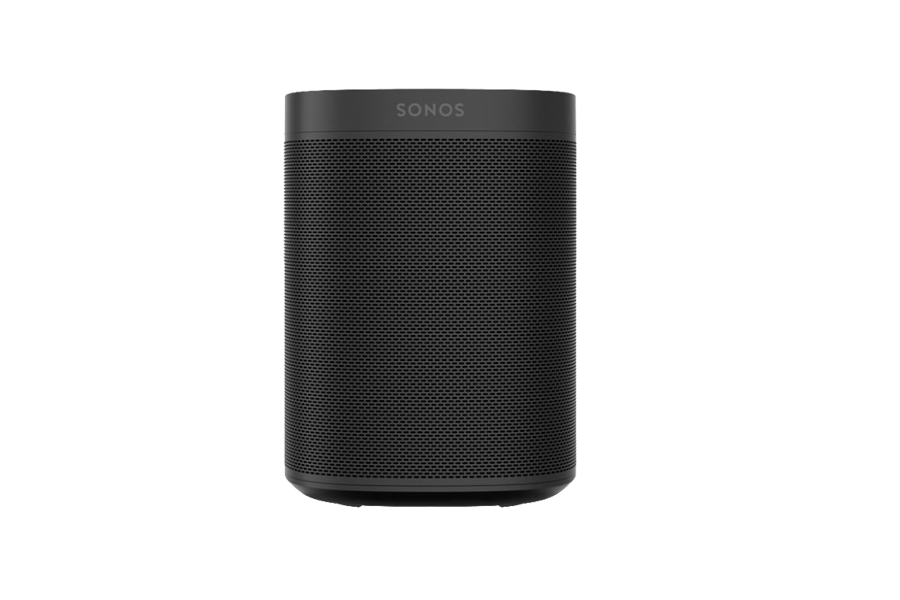
Connect your device to any existing in-store speakers and amp.
Connect your desktop, laptop, tablet or smartphone device to your existing sound system - no new equipment needed.
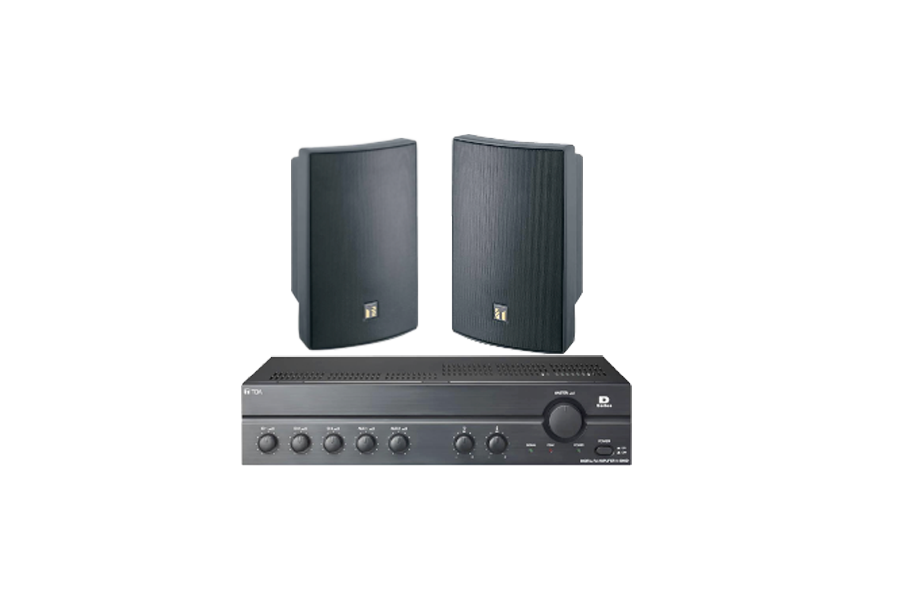
Or stream POSmusic on any Sonos speaker.
Select the POSmusic service on the Sonos app.
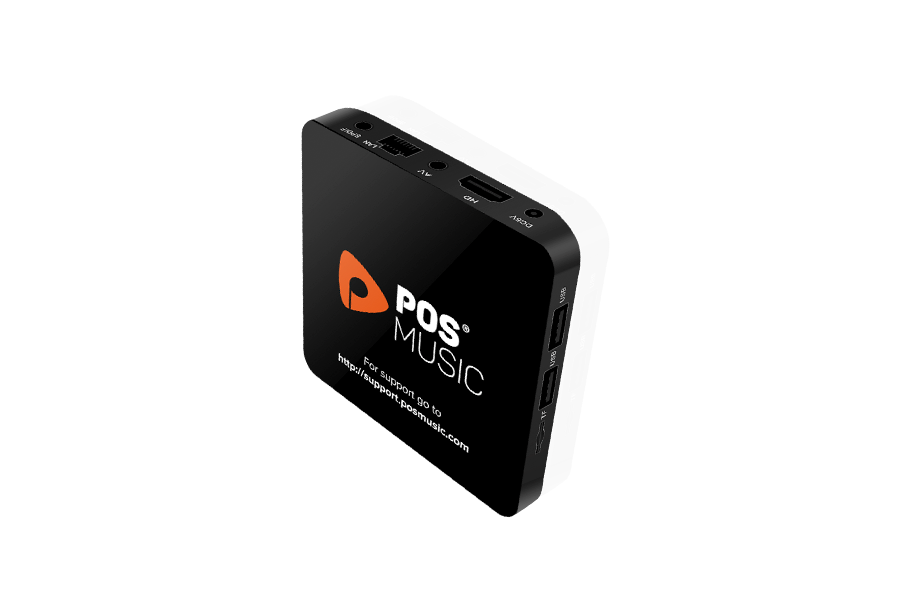
Or connect your POSmusic PROplayer to your existing amp.
PROplayers store music offline in case the internet connection drops out and provide advanced music automation, updates and maintenance.
POSplay subscription features
Simply stream professionally curated readymade playlists.
Connect POSplay to your existing sound system or your Bluetooth or Sonos speakers. Control your music from in-store, at home, or your mobile on the run via your POSmusic dashboard, accessible on any internet-connected Mac or Android device.
More than 1 location? Explore POSmix
POSplay
1 site only
$49 AUD
per month
Features
- 1 x Admin User account only
- Unlimited access to over 70 Ready-made playlists built specifically for business.
- Daily music updates
- In-store control features: skip, play, pause, like, dislike song.
- Remote control features: skip, play, pause, like, dislike song.
- Online customer support
- Music License bundling - add on
*End-user Public Performance License Fees Not Included in POSmusic Subscription Fee.
.svg)
.png)
.svg)
.svg)